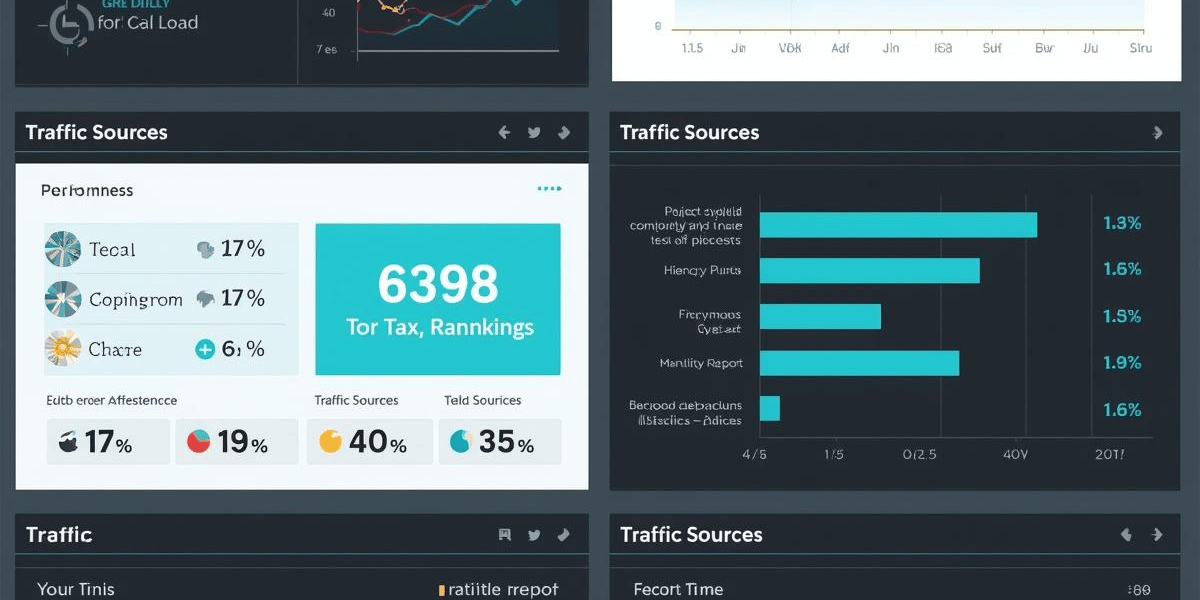
How to Make an SEO Report for a Client
One of the most significant tasks of an SEO specialist or a digital marketer is to prepare an SEO report for a client. An effective SEO report is more than just a display of numbers, it describes the progress, wins, problems, and the worth of what you do is evident.
This guide will help you through the process of creating an effective SEO report, whether you are a freelancer, agency owner, or an in-house marketer, and make it effective and easy to comprehend and trust by clients.
What Is an SEO Report?
An SEO report is a report which summarizes the performance of the site in terms of search engines such as Google. It displays essential metrics including traffic, rankings, conversions, technical health within duration of time.
The primary aim of an SEO report is to:
- Show results
- Identify what is working and what is not
- Demonstrate return on investment (ROI)
- Outline next steps.
Why SEO Reporting Matters for Clients
Clients want to know one thing: Is SEO helping my business grow?
A properly-organized SEO report assists:
- Establish trust and openness
- Set realistic expectations
- Justify ongoing SEO costs
- Guide future strategy.
Clarity and impact of business are more important than technical lingo to the American clients particularly.
Step 1: Define the Purpose of the SEO Report
Before creating the report, ask yourself:
- Who is the client? (Small business, eCommerce, enterprise)
- What are their goals? (Leads, sales, brand awareness)
- What is the time frame on which you are reporting? (Monthly, quarterly)
Common SEO Report Goals
- Increase organic traffic
- Improve keyword rankings
- Generate more leads or sales
- Fix technical SEO issues.
Always be able to connect results to business outcomes and not only SEO metrics in your report.
Step 2: Include an Executive Summary
What Is an Executive Summary?
The most significant part to busy clients is the executive summary. Many will only read this part.
What to Include
- The overall performance overview
- Major wins
- Key challenges
- High-level next steps.
Example
Organic traffic increased by 18% month over month, driven by improved rankings for high-intent keywords. Leads from organic search grew by 12%. Technical SEO improvements reduced page load time by 30%.
Keep it short, clear, and non-technical.
Step 3: Report on Organic Traffic Performance
Key Metrics to Include
- Total organic sessions
- Users from organic search
- Traffic patterns (monthly or annual)
- Top landing pages.
Tools You Can Use
- Google Analytics
- Google Search Console
- Looker Studio (previously Data Studio).
Why This Matters
Traffic exhibits transparency and attention. Entrepreneurs are usually interested in the trends of growth, and thus, they include charts and comparisons.
Step 4: Keyword Rankings Overview
What to Show
- Top keyword rankings
- Keywords that improved
- Keywords that dropped
- New keywords gained
Best Practices
- Focus on high-value keywords
- Split keywords by purpose (informational, transactional, local)
It is not necessary to bombard the client with hundreds of keywords.
Tip for Clients
Emphasise local search keywords (e.g., “near me” or city-based keywords) in case the business has a particular area.
Step 5: Conversions and ROI Tracking
This is the place where SEO really comes in handy.
Important Conversion Metrics
- Form submissions
- Phone calls
- Purchases
- Newsletter signups.
How to Present ROI
- Organic search leads generated.
- Organic traffic revenue (assuming there is any).
- Comparison between cost per lead and paid ads.
- Clients are not concerned with impressions but sales and leads.
Step 6: On-Page SEO Performance
Key On-Page Elements to Report
- Title tag optimization
- Meta descriptions
- Header structure (H1, H2, H3)
- Content updates
- The internal linking is enhanced.
What to Explain
- Pages that have been optimized in the reporting period.
- The effects of optimizations on rankings or traffic.
- Prospects of further enhancements.
- Explain things in a simple manner and do not cram with technical stuff.
Step 7: Technical SEO Health
Technical SEO makes sure that the search engines are able to crawl and index the site accordingly.
Metrics to Include
- Site speed (Core Web Vitals)
- Mobile usability
- Indexing issues
- Crawl errors
- Broken links.
Tools to Use
- Google Search Console
- PageSpeed Insights
- Screaming Frog
How to Explain It to Clients
Rather than LCP improved, say:
Pages have become faster, which increases user experience and elevates the ranking of the site in Google.
Step 8: Backlink and Authority Analysis
References to other sites are also one of the influential ranking factors.
What to Include
- Number of new backlinks
- Referring domains
- High-quality links earned
- Poisonous or spam links eliminated (where necessary).
Focus on Quality
Customers tend to focus on quality rather than quantity and hence clarify how authority-based relationships build trust with Google.
Step 9: Competitor Comparison (Optional but Powerful)
What to Compare
- Keyword rankings
- Traffic estimates
- Content gaps
- Backlink profiles
This helps clients understand:
- Their position in the market.
- The reason why SEO is a long-term investment.
- Do not mention too many competitors 2 or 3 are sufficient.
Step 10: Action Items and Next Steps
Conclude your SEO report with a plan.
Include:
- What you’ll work on next month
- Content ideas
- Technical fixes
- Link-building strategies
Example
- Post 4 SEO-optimized blog posts.
- Improve internal linking
- Enhance conversion of service pages.
- Target new local keywords
This will give the client an assurance that improvement is being made.
Best Practices for Client-Friendly SEO Reports
- Use simple language
- Include visuals and charts
- Focus on business impact
- Be honest about challenges
- Maintain the report on a monthly basis.